Digital Receipts
Download PDF receipts for each completed trip, itemized by fare components.
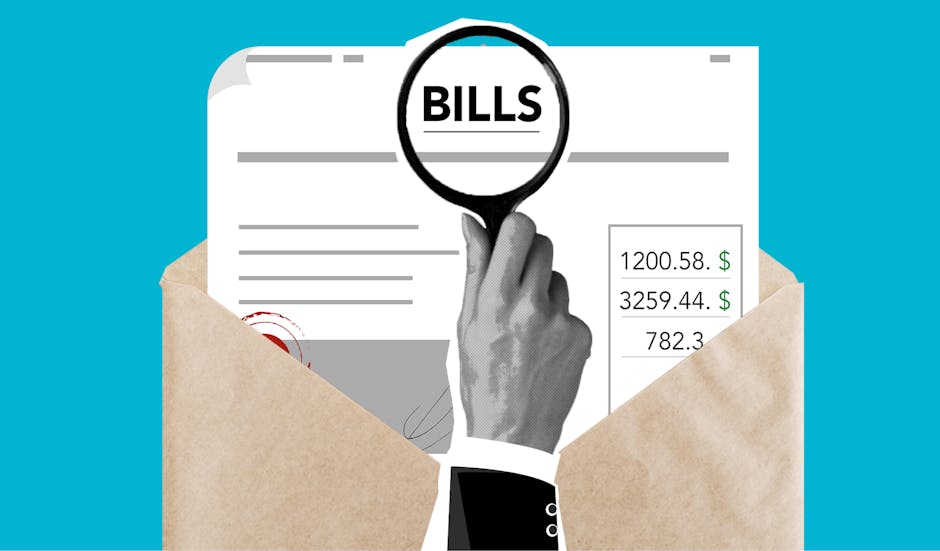
Access a complete log of every trip you've taken with RideSwift. Review detailed ride information, download receipts, and filter by date or service provider – all from one central dashboard designed for easy tracking.
The trip history page organizes all completed rides into a chronological list. Each entry displays the date, time, pickup and drop-off locations, fare total, and the service provider used. You can apply date range filters or search by address to locate specific journeys. Selecting a trip opens a detailed view with a route map, fare breakdown (base fare, distance, time, surcharges), and a digital receipt available for download as PDF. This structure helps you maintain a personal travel archive for expense reporting, route comparison, or simply recalling past journeys. All data is stored securely and accessible only from your account.
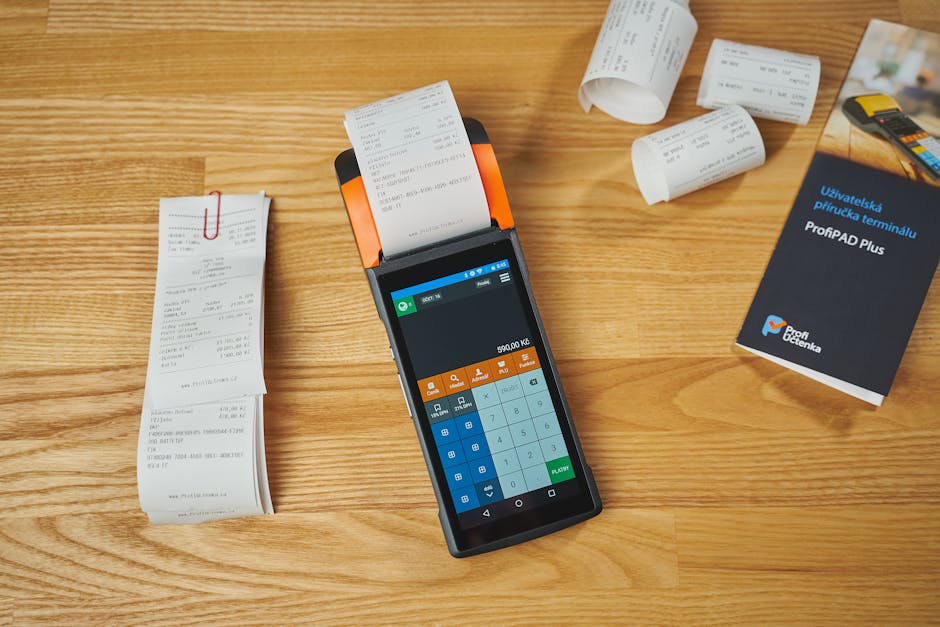
Download PDF receipts for each completed trip, itemized by fare components.
Filter trips by custom date ranges to quickly find journeys from a specific period.
See route map, driver info, and vehicle details for every past ride.
Review base fare, time charges, distance fees, and any surcharges applied.
RideSwift compiles all your completed rides into a single, chronological log. This feature is designed to give you a clear view of your travel patterns and expenses without relying on multiple apps or paper receipts. Each entry includes standardized information such as pickup and drop-off times, total distance, and final fare. By keeping this information organized and searchable, the platform supports personal budgeting, business expense reimbursement, and general trip tracking. The data is updated automatically after each ride and remains available for your review at any time.


Each completed trip generates a detailed digital receipt that includes the payment method, time of charge, and an itemized list of all fare components. The receipt format follows standard accounting practices, making it suitable for expense reports or personal record-keeping. You can access the receipt from the trip details page and download it as a PDF file. RideSwift does not alter or summarize the data – the receipt mirrors the transaction exactly as processed by the service provider. This transparency helps you verify charges and maintain accurate records.